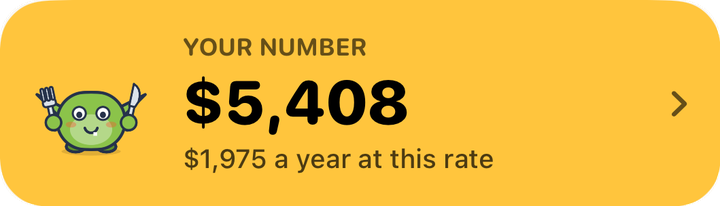
See your real number
Screenshot your order history and get your all-time spend, what it costs you a year, and how much went on fees. No manual logging.
 Nibbld App
Import your orders. See the number. Keep it next time.
iPhone · free to download · no account needed to see your number
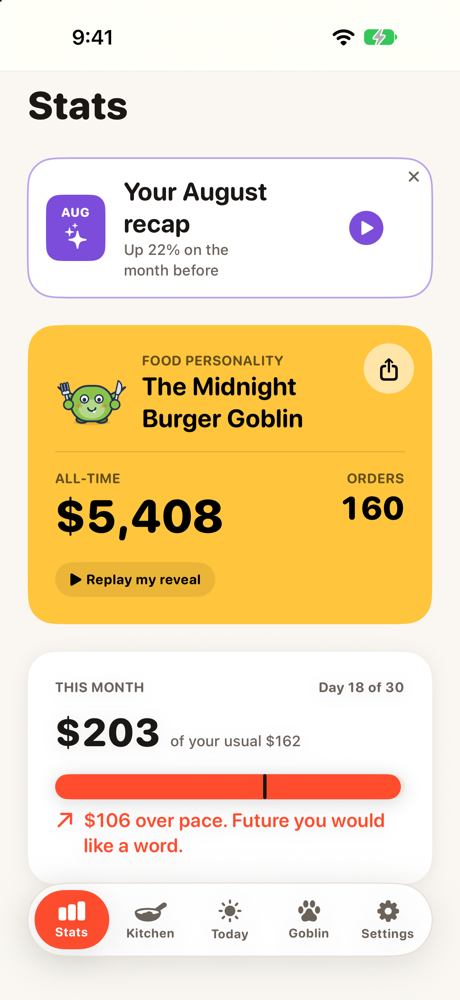
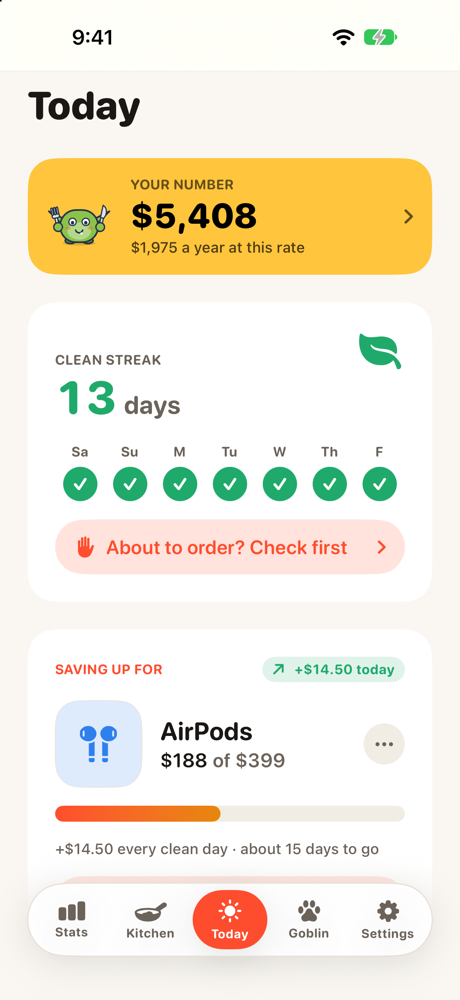
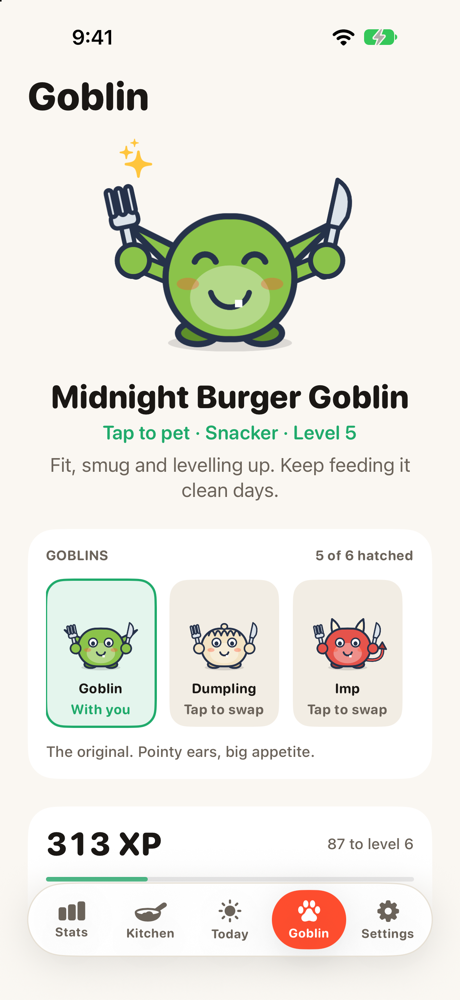
The app that shows you the number, then helps you keep it.
Screenshot your order history and get your all-time spend, what it costs you a year, and how much went on fees. No manual logging.
Screen Time locks your delivery apps and sites. Open one and you get your streak and what you've saved, not a menu.
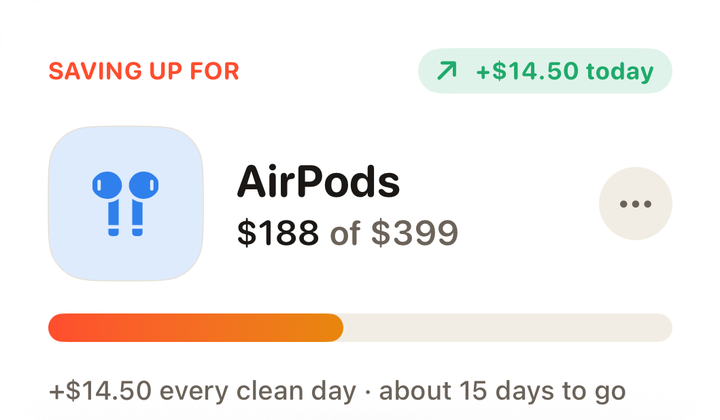
Every day you don't order goes towards something you actually want, and your goblin levels up with you.
The import
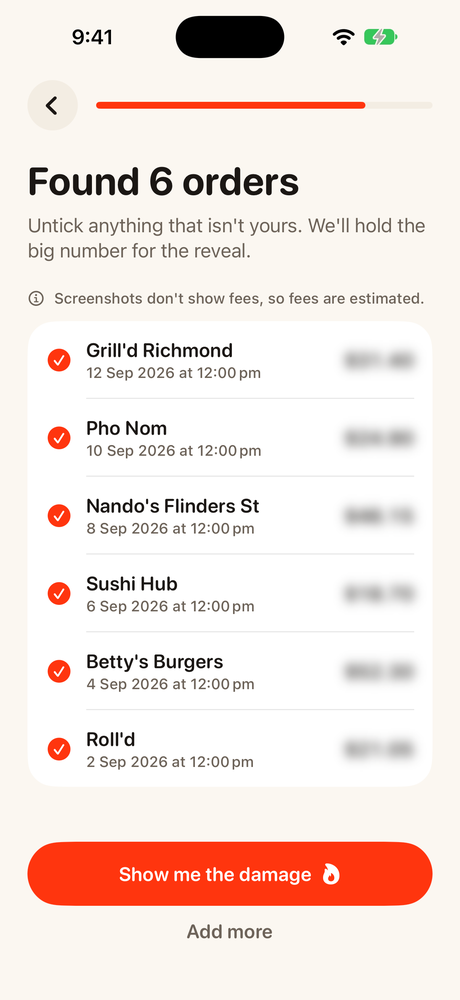
Screenshot your order history in any delivery app. Nibbld finds every order in about a minute, and you untick anything that isn't yours.
The number
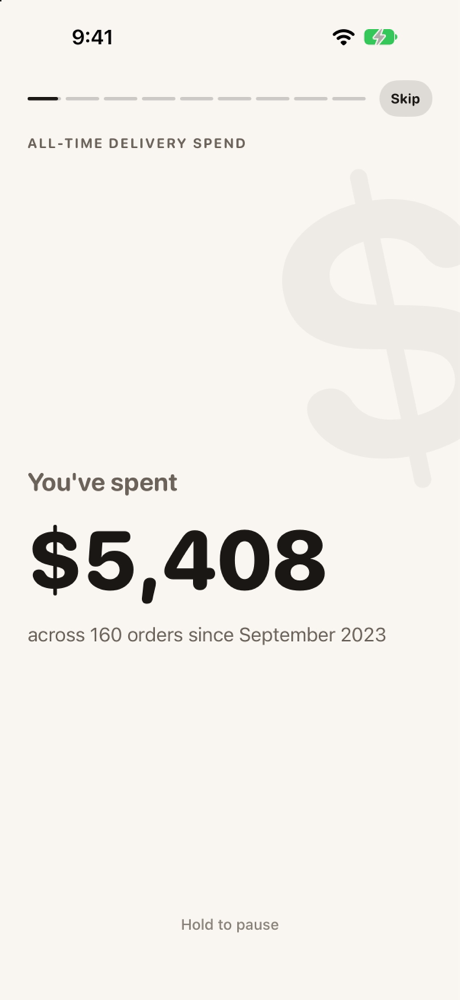
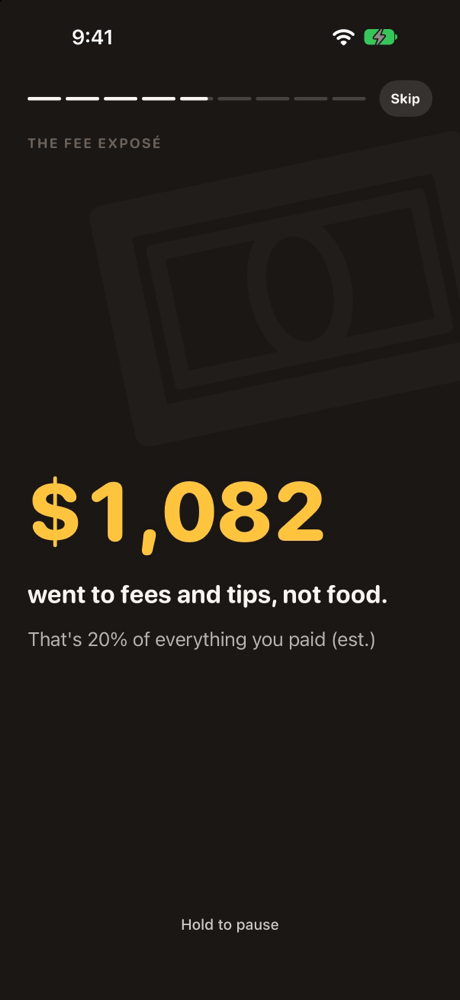
Hit "Show me the damage" and it plays out like your own Wrapped: the total, where it went, and how much of it was fees.
The habit
"Did you order today?" That's the whole app.
The blocker
You swear off delivery at lunch and reorder by midnight. So Nibbld locks your delivery apps with Screen Time. Open one and you get your streak and what you've saved, not a menu.
Day 13. $188 saved.
You've come this far. For a lot of people, the craving fades in about 10 minutes.
The kitchen
A new fakeaway every Monday, priced honestly: the shop, the serve, the leftovers.
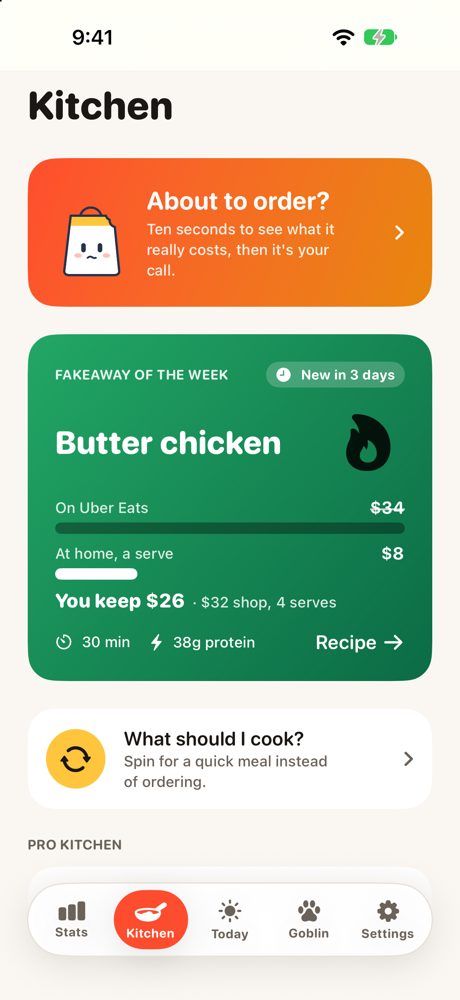
Everything else the app does, one tap each.
Privacy
Nibbld is built to need as little of your data as possible.
Lock the delivery apps. Watch what you don't spend add up.
Get Nibbld on the App Store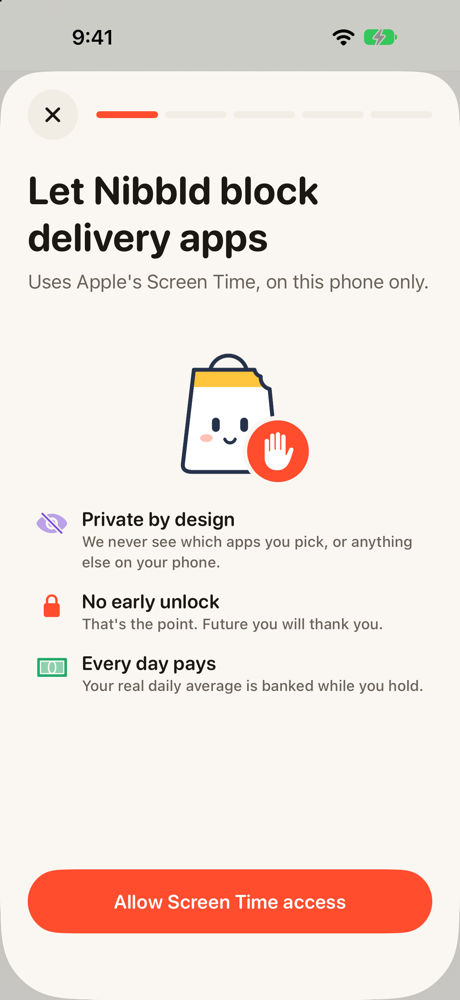
47 of them, including Uber Eats, DoorDash, Menulog, Deliveroo, Just Eat and Grubhub, in over 20 countries. If you've ordered through it, Nibbld can most likely read it.
Screenshot your order history in the delivery app and pick the screenshots in Nibbld. It reads them in about a minute. You can also import the official data file some apps offer, like Uber's, which includes the real fees.
No. You can see your number without signing up. Sign in with Apple is only there if you want to back up your data and restore it on a new phone.
The delivery apps and websites you choose, using Apple's Screen Time. When you open one, you see your streak and what you've saved instead. There's also an SOS button for when a craving hits.
No secret unlock. You can end a goal early by tapping “I ordered anyway”, which resets your streak, and budget mode lets a few orders through each week. Turning off Screen Time access in iOS Settings also ends it.
Your orders stay on your phone unless you sign in. AI features are opt-in, and we never sell your data or show ads. The privacy policy has the details.
In the app, go to Settings → Delete all my data. It removes everything from your phone and our servers.
Still stuck? Visit support
Nibbld is live on the App Store. Import your orders, see your real number, then start keeping it.
Free to download. Nibbld Pro unlocks the app blocker, streaks and savings goals.